Labels are the second half of staying organized in Pincone. A link lives in one folder, but it can carry as many labels as you like — so "css", "typography", and "must-read" can all sit on the same link.
Adding labels
When you save or edit a link, start typing in the labels field. Pincone suggests labels you've used before, and anything new is created on the spot. The browser extension supports labels too.
Prefer to let the machines do it? Turn on autolabeling in Preferences and Pincone will suggest labels for the things you save.
Browsing by label
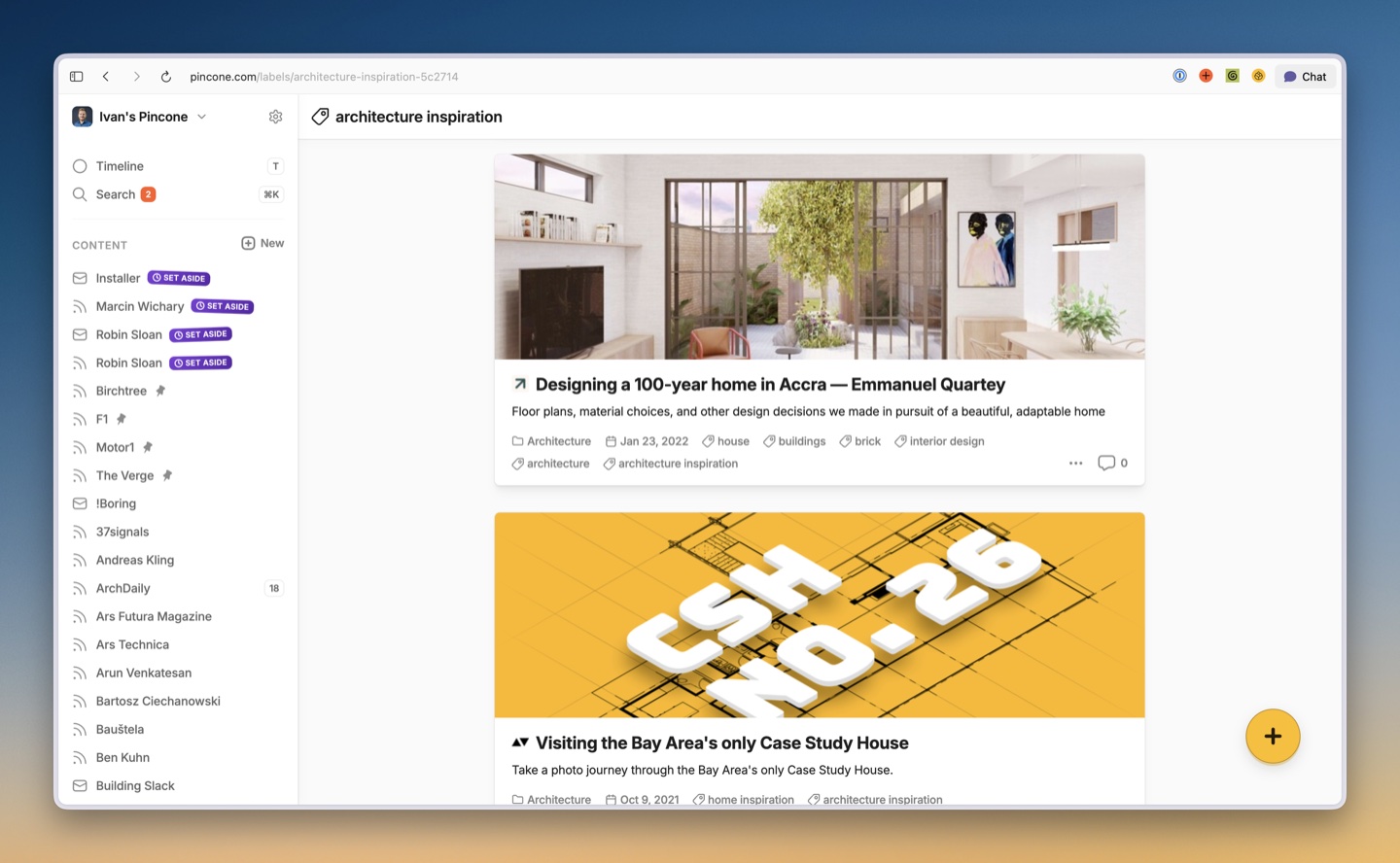
Click any label on a link to see everything that shares it, no matter which folder each link lives in. That's the superpower: folders keep things tidy, labels cut across them.
Managing your labels
Head to your team's Labels page to see every label in one place. You can rename a label everywhere at once, delete ones you no longer need, or run a cleanup to sweep out labels that aren't attached to anything anymore.
Label habits that pay off
- Keep labels short and reusable — "recipes" beats "recipes I want to try someday".
- Don't duplicate your folder names as labels; let each do its own job.
- A handful of labels you actually use beats fifty you don't.