Not everything wants to look the same. A folder of visual inspiration deserves big images; a reading list wants density. Pincone gives every page three views and lets each one make its own choice.
The three views
- Card — the default: a roomy card per item with its image, description, and labels.
- Compact — a tight list, more items per screen, no images. Built for volume.
- Grid — a masonry wall of cards, sized to their images. Built for looking.
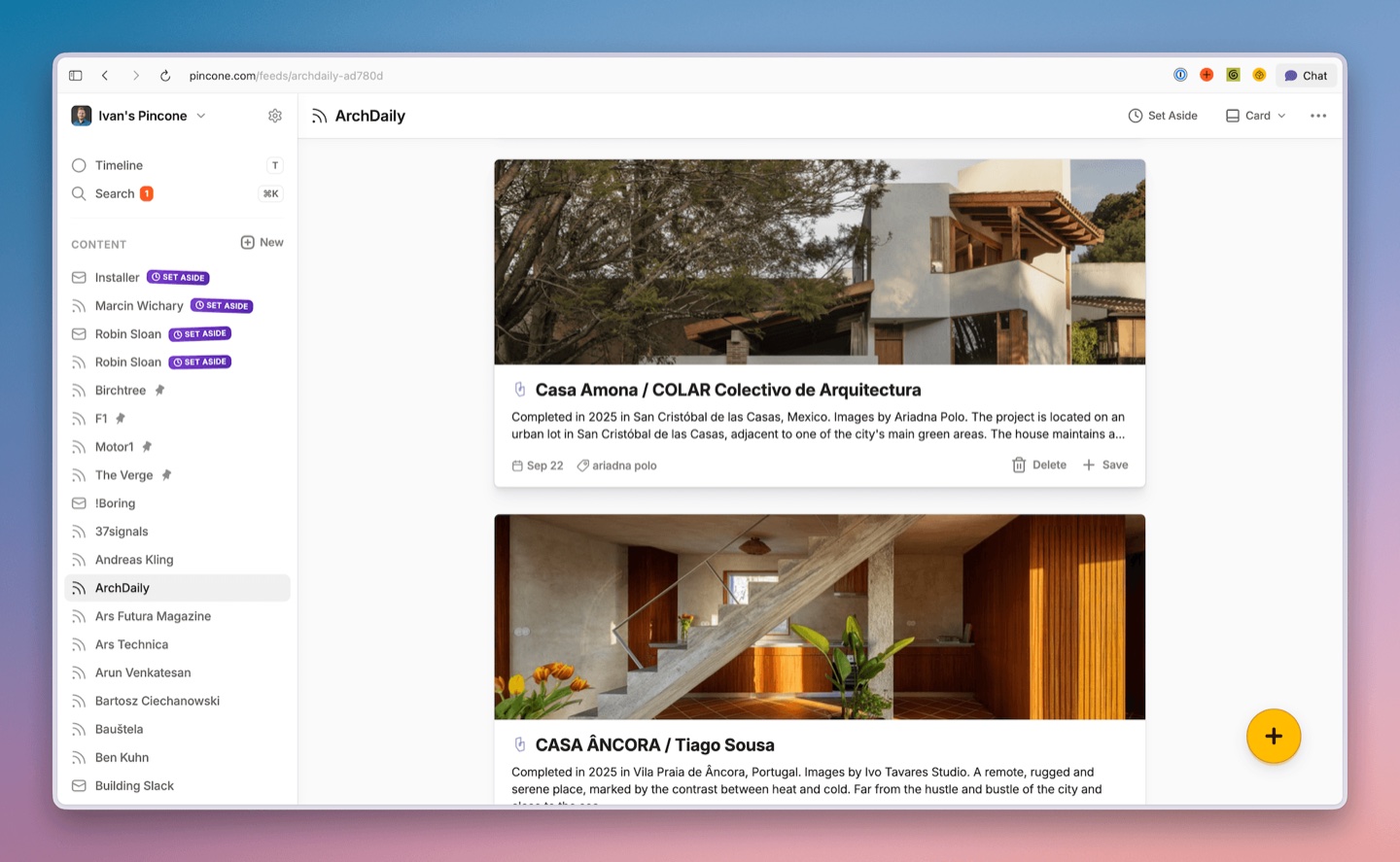
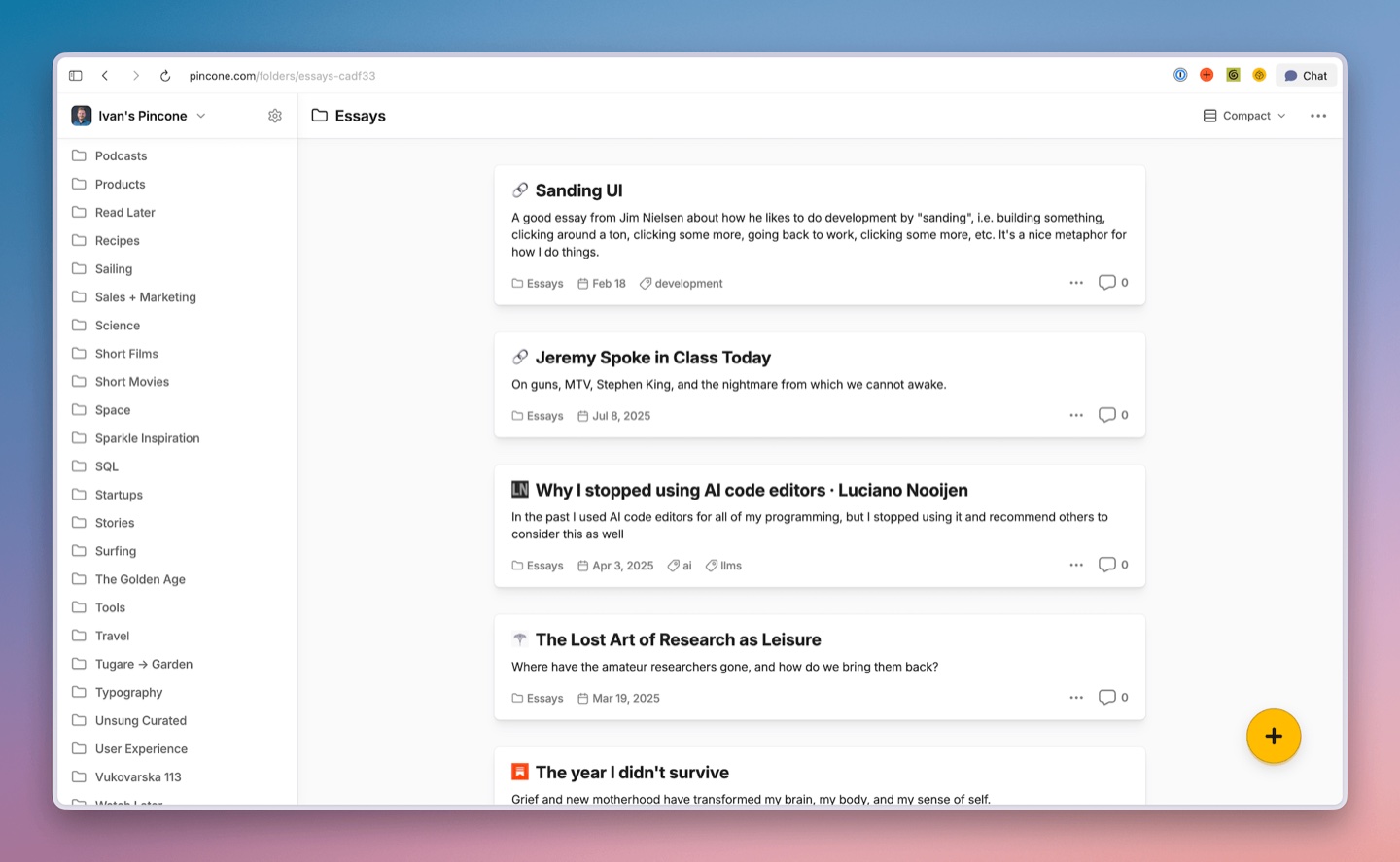
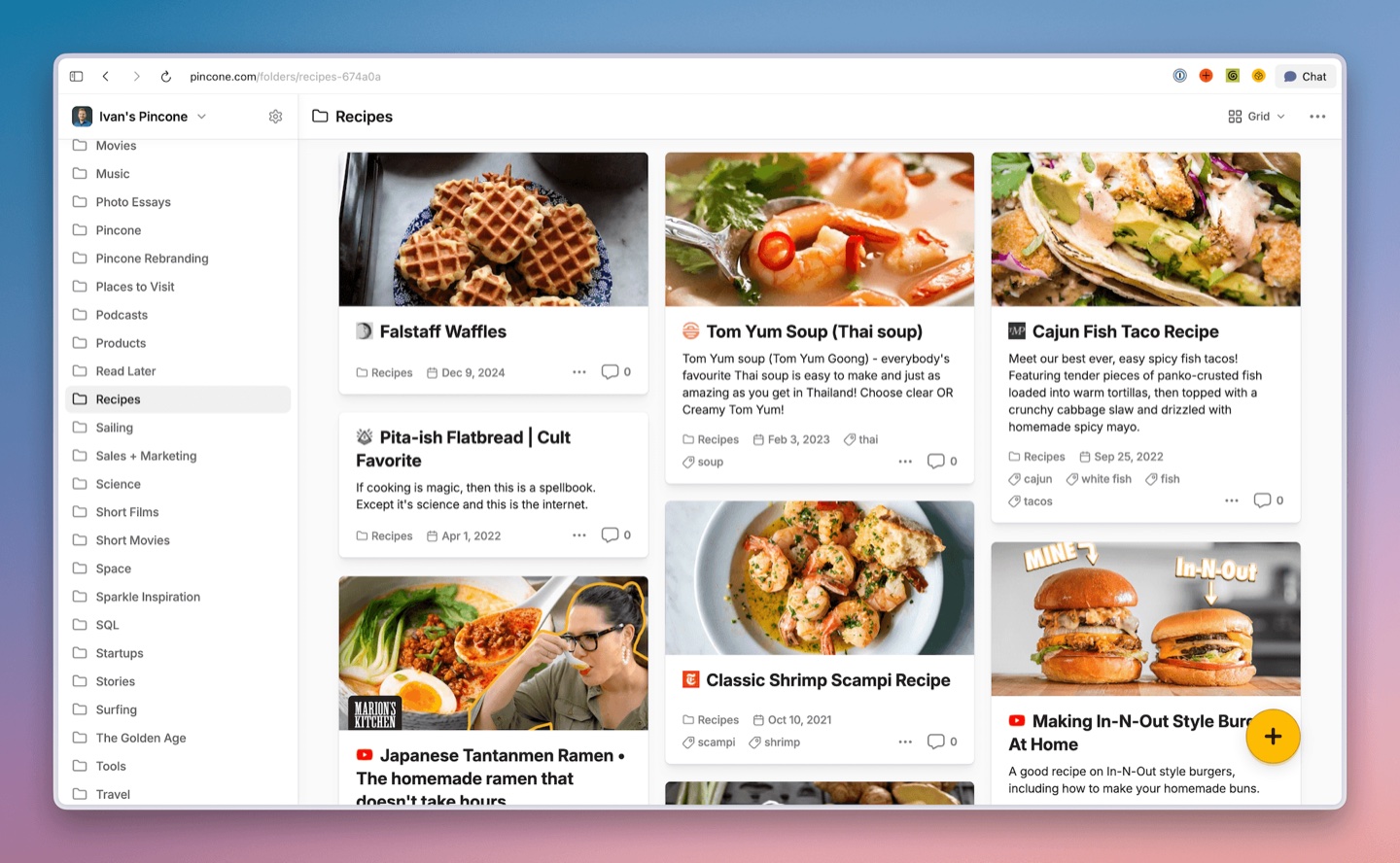
Switching
Every folder, feed, and inbox has a view switcher in the title bar — click it and pick. The choice sticks for that page: your Design Inspiration folder can stay a grid forever while your news feed stays compact. Each team's timeline remembers its own view too.
Setting your default
The account-wide default lives in Preferences — that's what any page without its own override uses. Set it once to your general taste, then override the exceptions.
There's also a media toggle in the view options for the pages where images are more noise than signal.
Our recommendations
- Newsletters and long articles: compact — you're scanning titles, not thumbnails.
- Anything you save because it looks good: grid.
- Everything else: card earns its default status.